Braintrust
Braintrust is an end-to-end platform for evaluating, monitoring, and improving LLM applications.
Step 1: Get your Braintrust API key and Project ID
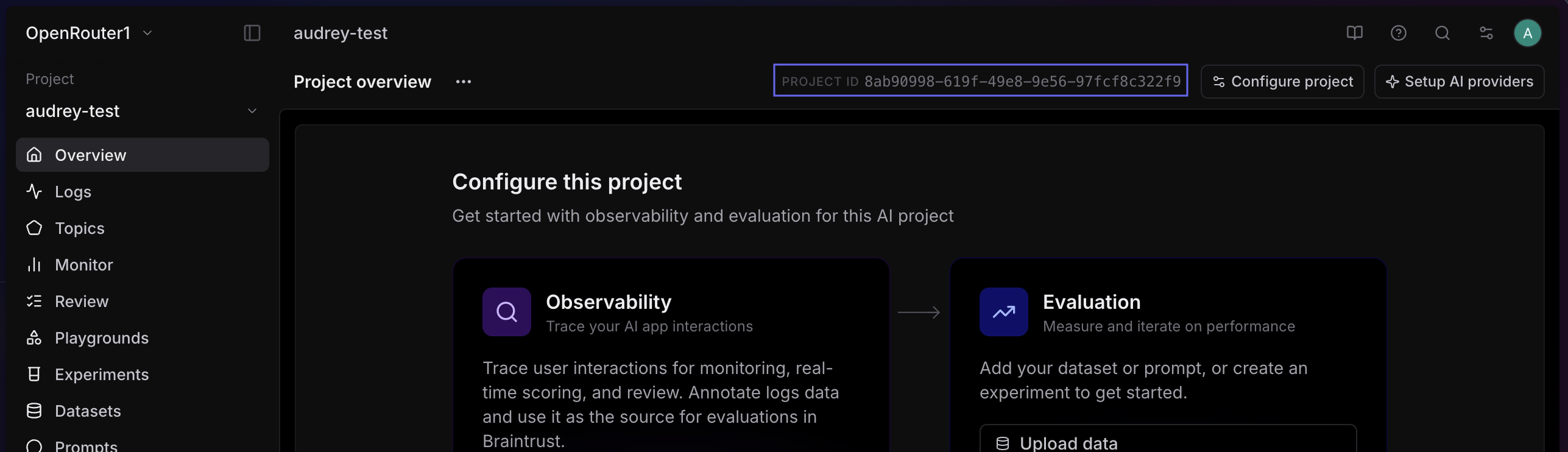
In Braintrust, go to your Account Settings to create an API key, and find your Project ID in your project’s settings.
Step 2: Enable Broadcast in OpenRouter
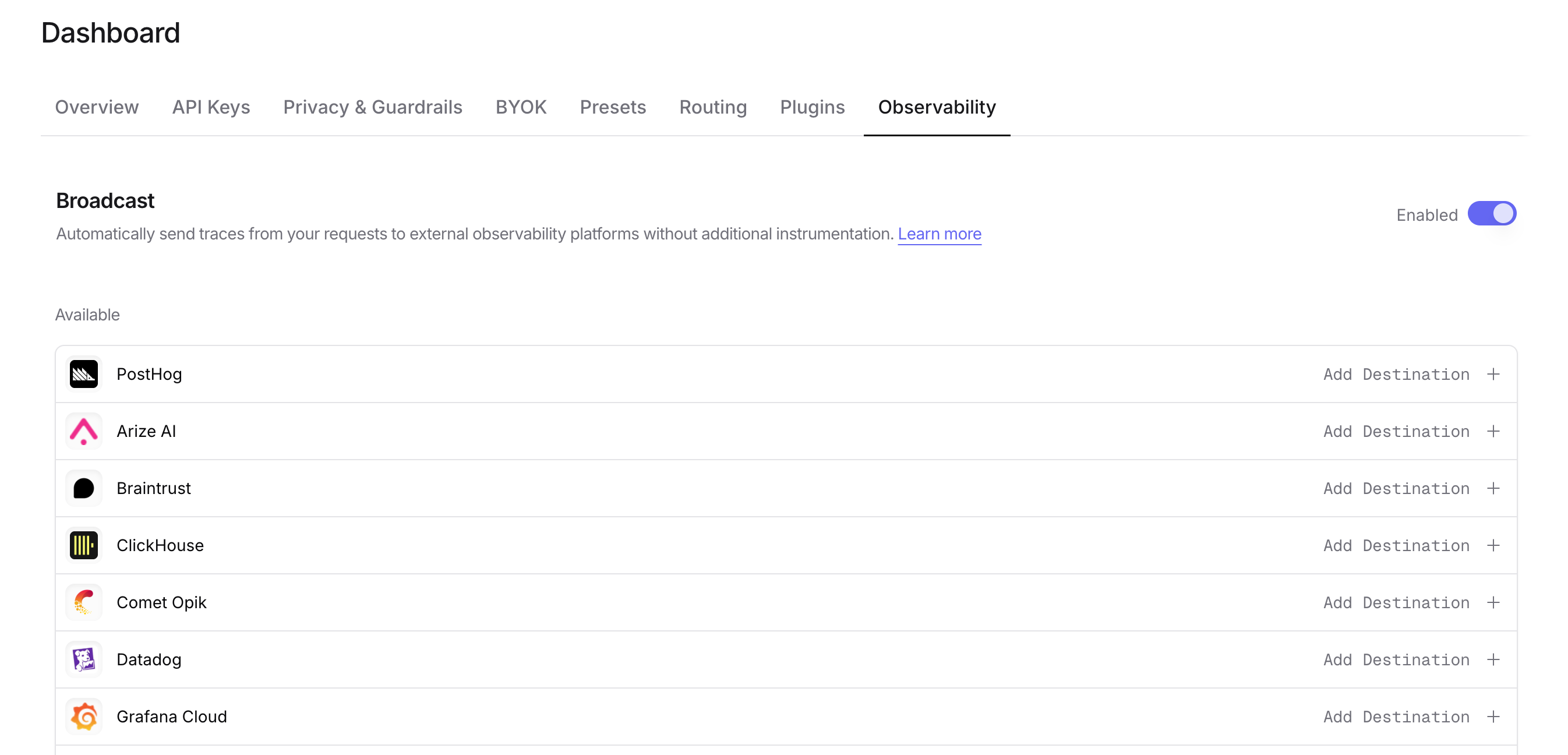
Go to Settings > Observability and toggle Enable Broadcast.
Step 3: Configure Braintrust
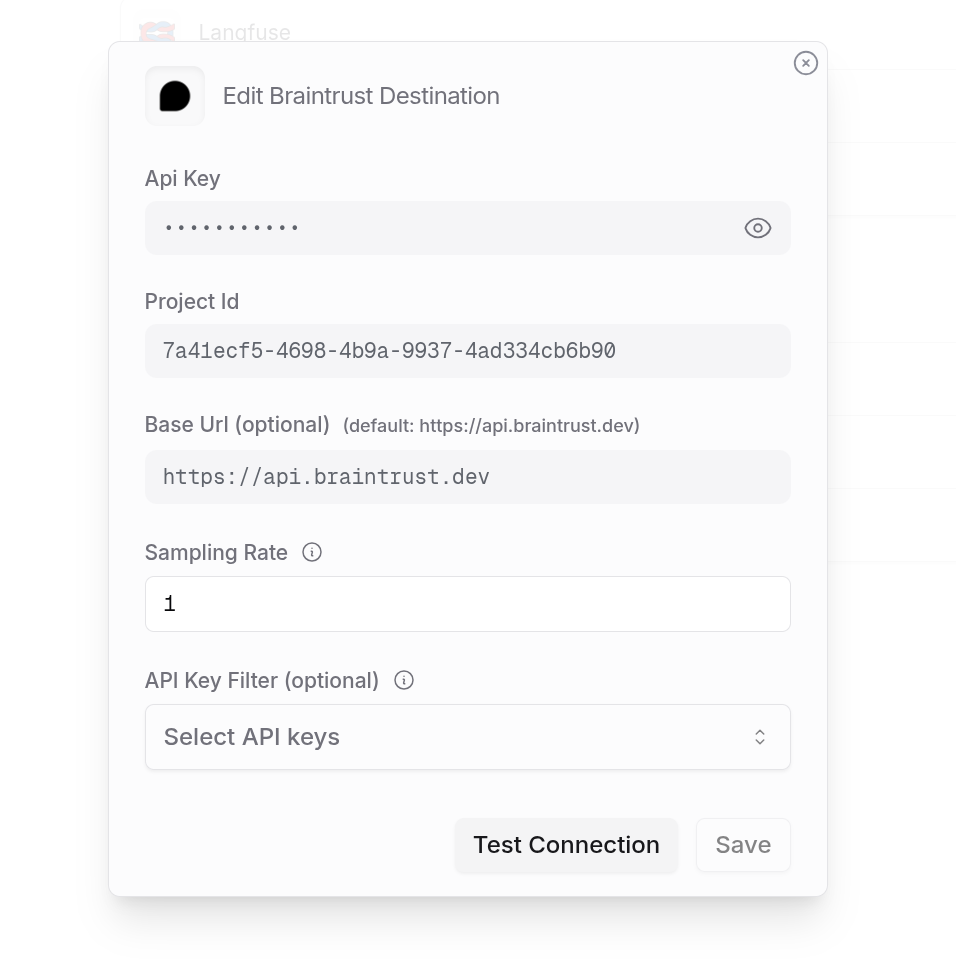
Click the edit icon next to Braintrust and enter:
- Api Key: Your Braintrust API key
- Project Id: Your Braintrust project ID
- Base Url (optional): Default is
https://api.braintrust.dev
Step 4: Test and save
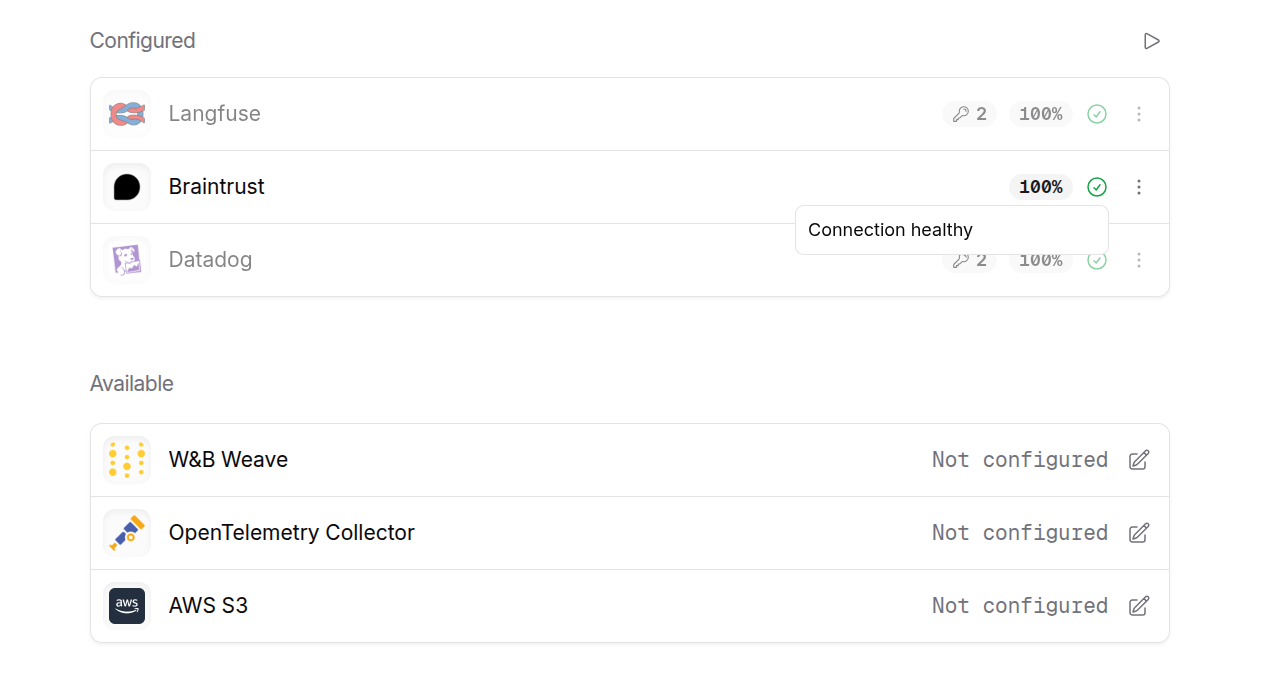
Click Test Connection to verify the setup. The configuration only saves if the test passes.
Step 5: Send a test trace
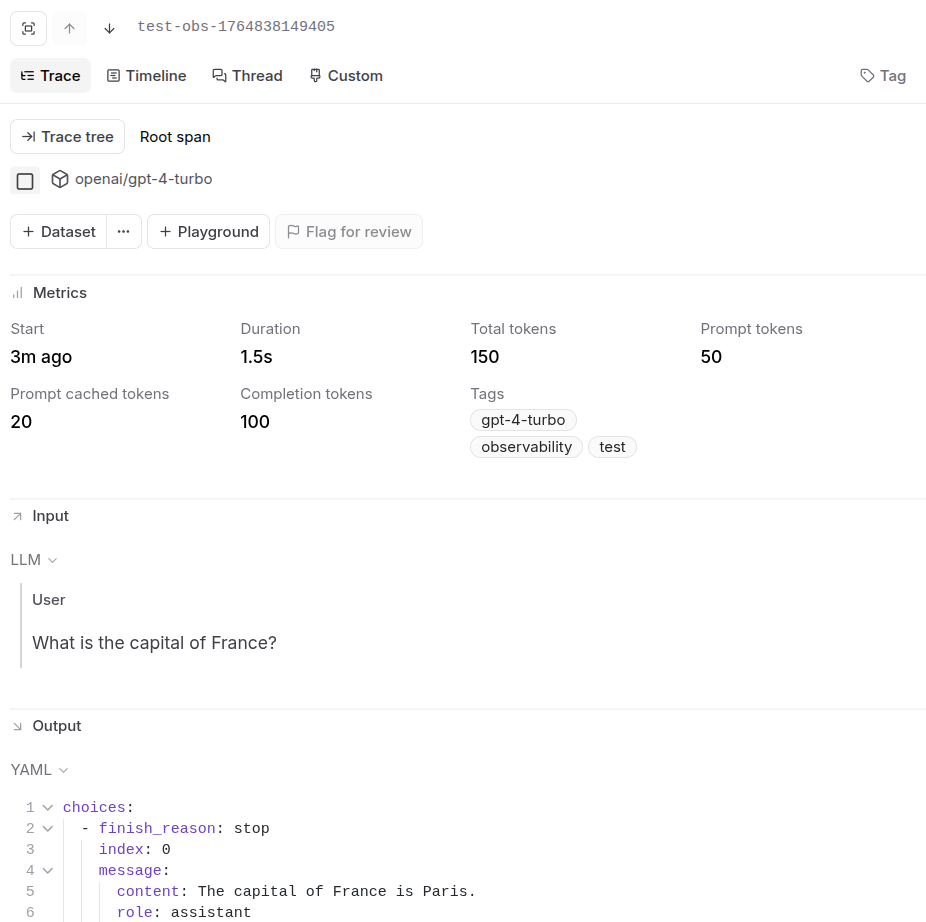
Make an API request through OpenRouter and view the trace in Braintrust.
Custom Metadata
Braintrust supports custom metadata, tags, and nested span structures for organizing your LLM logs.
Supported Metadata Keys
Example
Metrics and Costs
Braintrust receives detailed metrics for each LLM call:
- Token counts (prompt, completion, total)
- Cached token usage when available
- Reasoning token counts for supported models
- Cost information (input, output, total costs)
- Duration and timing metrics
Additional Context
- The
userfield maps to Braintrust’suser_idin metadata - The
session_idfield maps tosession_idin metadata - Custom metadata keys are included in the span’s metadata object
- Tags are passed through for filtering in the Braintrust UI
Privacy Mode
When Privacy Mode is enabled for this destination, prompt and completion content is excluded from traces. All other trace data — token usage, costs, timing, model information, and custom metadata — is still sent normally. See Privacy Mode for details.

